Your ID stays in your pocketFrançaisAre you a business? Idkey Pro

How Idkey protects your identity.

Six protections, explained without jargon. And what happens if something goes wrong.

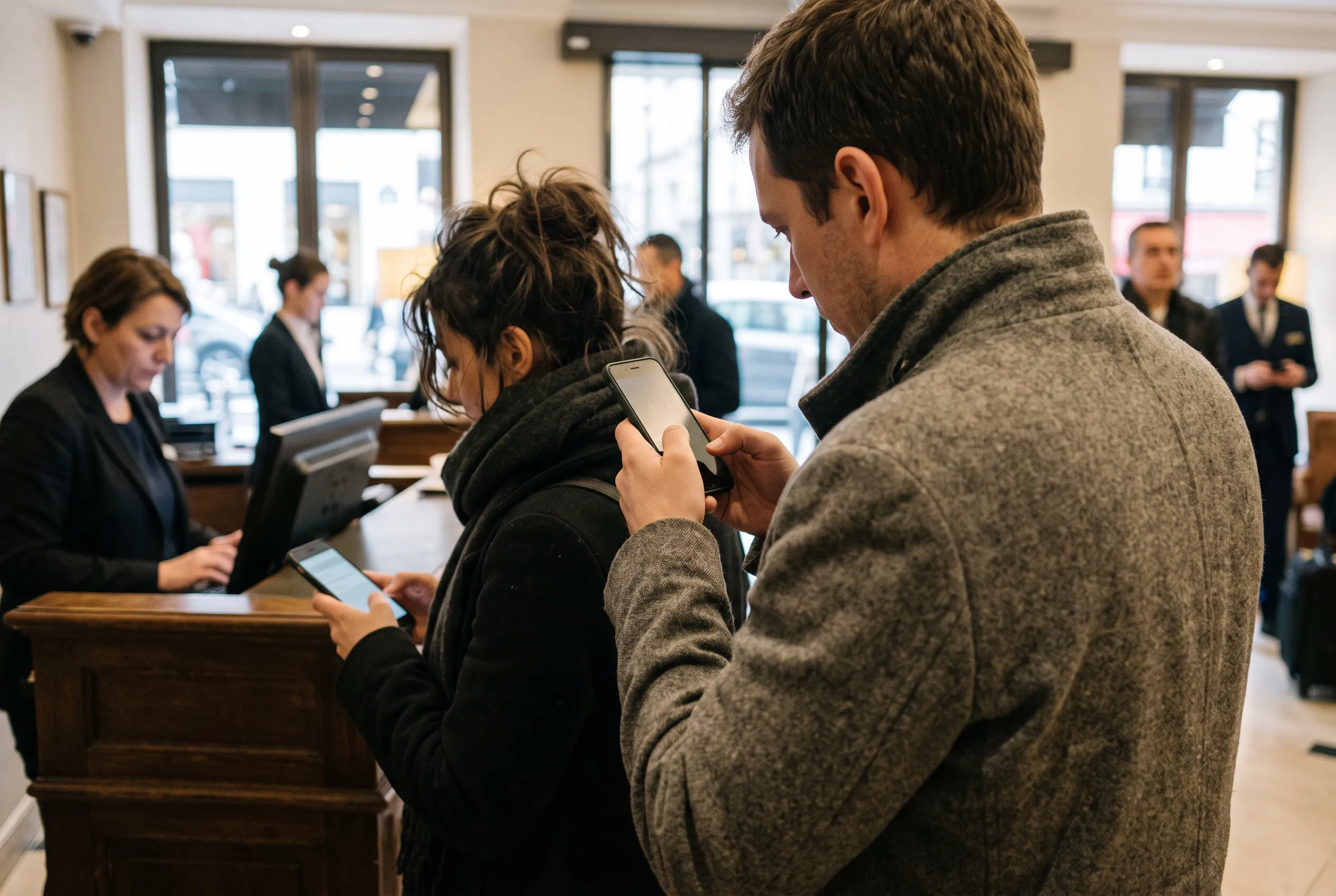
Woman looking at her phone in a hotel lobby
The protections

Your ID never leaves.

1

Your ID stays on your iPhone

The photo of your ID, the chip reading and your selfie stay on your phone. They are never sent, neither to the business nor to Idkey.

2

Readable only by the recipient

Your form is locked on your phone with the business's key. On the way, nobody can open it, not even Idkey.

3

Your face for every send

Nothing is sent without your face. Even with your phone unlocked, nobody can send a form in your place.

4

Verified business

Before receiving forms, every business is checked against the official company register. Its name appears before each sending.

5

You choose what is shared

Each piece of information has its own switch. The business receives what it needs, nothing more. Never the image of your ID, nor its number.

6

Deleted automatically

Each form has its deletion date, shown in the app. After that date, it disappears, without you having to ask.

Locking, in one picture

A single key, held by the recipient.

Idkey carries your form like a sealed envelope: it knows who to deliver it to, not what's inside.

Your iPhone

Your ID, its photo and your selfie. They stay here, never sent.

locked form
Idkey

Carries the form without having the key. Cannot open it.

only they have the key
The business

Reads your form, then it deletes itself on its date.

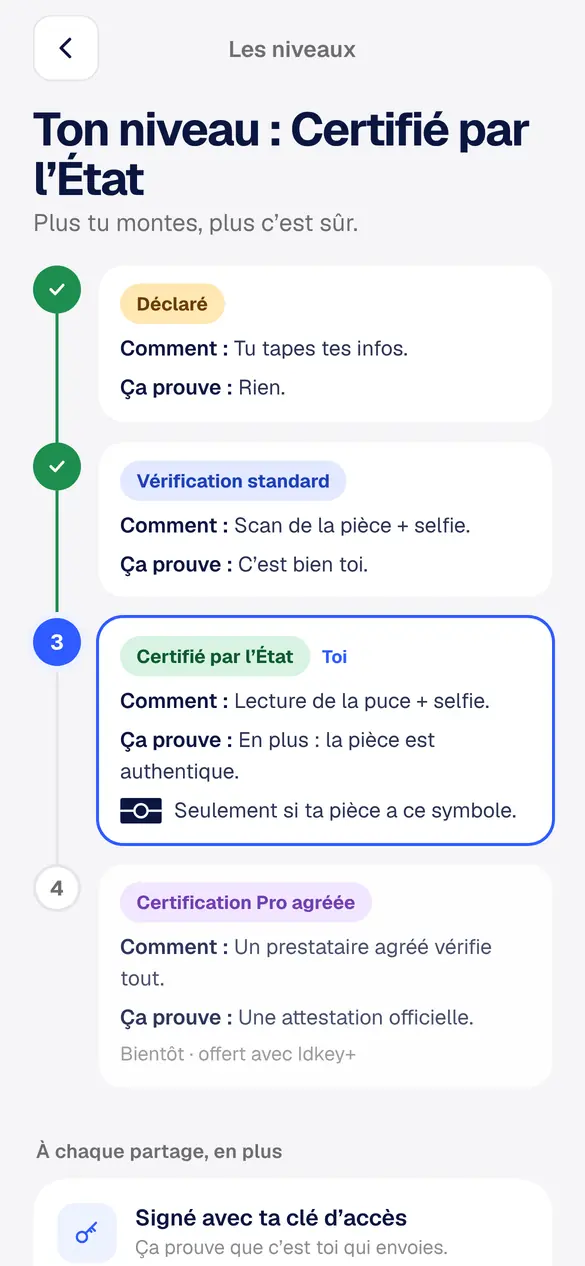
Verification levels

The higher you go, the safer it is.

The business sees your level. It knows how thoroughly your identity has been verified, without seeing your ID.

  1. 1
    Declared

    You type in your details. It proves nothing: it's the starting level.

  2. 2
    Standard verification

    Your ID scanned with the camera, then a selfie. It proves it's really you.

  3. 3
    State-certified

    Your iPhone reads your ID's chip, signed by the State, then a selfie. It also proves your ID is genuine. Only if your ID shows the chip symbol.

  4. 4
    Approved Pro certification coming soon

    An approved provider checks everything and issues an official certificate.

Every time you share, there's also a signature from your phone. It proves it's really you sending.

Verification levels screen in the Idkey app
The levels screen, in the app
What if…

When something goes wrong.

Four scenarios, and what really happens with Idkey.

Phone left on a café table
SCENARIO 01You lose your phoneSomeone finds it, or steals it.
Nothing is sent without your face
  • No one can send a form: every sending requires your face.
  • Your ID is not in any file at Idkey.
  • On your new phone, you add it again in two minutes.
Aisle of a dimly lit server room
SCENARIO 02Idkey gets hackedA hacker gets into Idkey’s servers.
Nothing to take
  • No image of your ID, no selfie: there is nothing to steal.
  • Forms are locked with the business’s key: unreadable, even for Idkey.
Hotel office at night, a computer switched on
SCENARIO 03The business gets hackedThe hotel, agency or rental company has its data stolen.
Nothing to forge a fake ID
  • It has neither the photo of your ID, nor its number, nor the MRZ strip.
  • Your form deletes itself on its date: the shorter it exists, the lower the risk.
Someone discreetly photographs a phone screen at the counter
SCENARIO 04Someone photographs your QR codeAt the counter, someone takes a photo of your screen.
Useless very quickly
  • Your QR code is only valid for 15 minutes. The 6-digit code, 5 minutes.
  • It only contains what you chose to show, never your ID.

Your ID stays in your pocket.

Idkey is free on iPhone and Android. Your ID never leaves your phone again.