
How it works
Under two minutes the first time. A few seconds after that. And your ID never leaves your iPhone.

Add your ID.
ID card or passport. Your iPhone reads it, then a selfie shows a real person is there. Everything stays on your iPhone.
Standard verification · about 30 seconds
The camera reads the coded lines at the bottom of your ID, then a selfie compares your face with its photo.
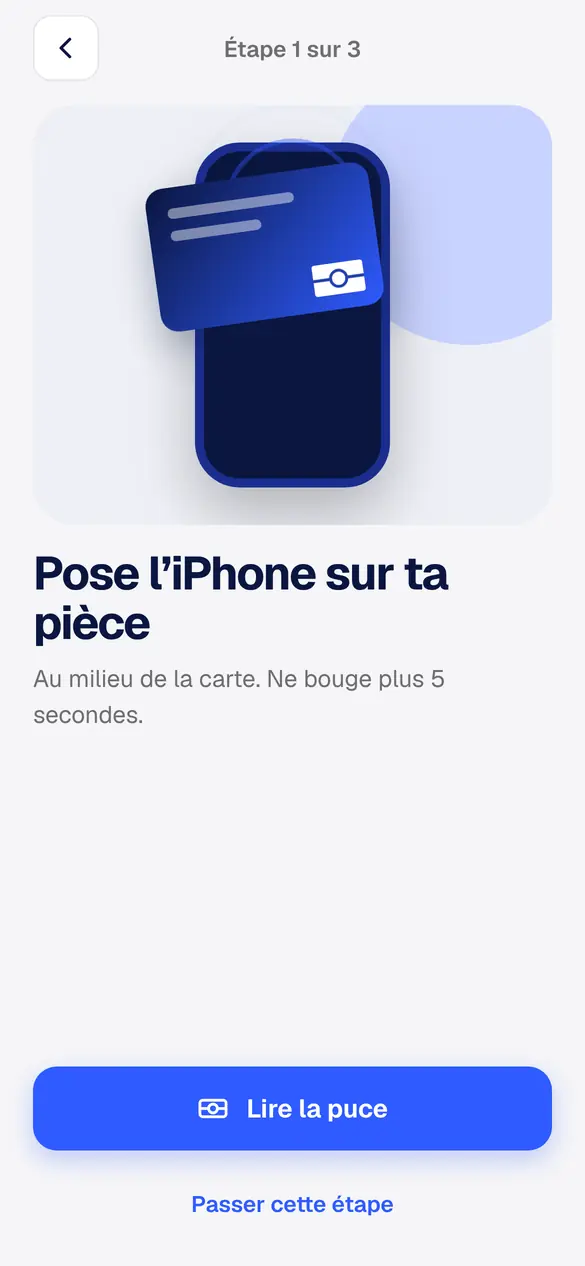
State-certified · about 1 minute
Your iPhone reads the chip in your passport or ID card, signed by the State, then a selfie. The most secure level.
A QR or a link.
At reception, at the counter
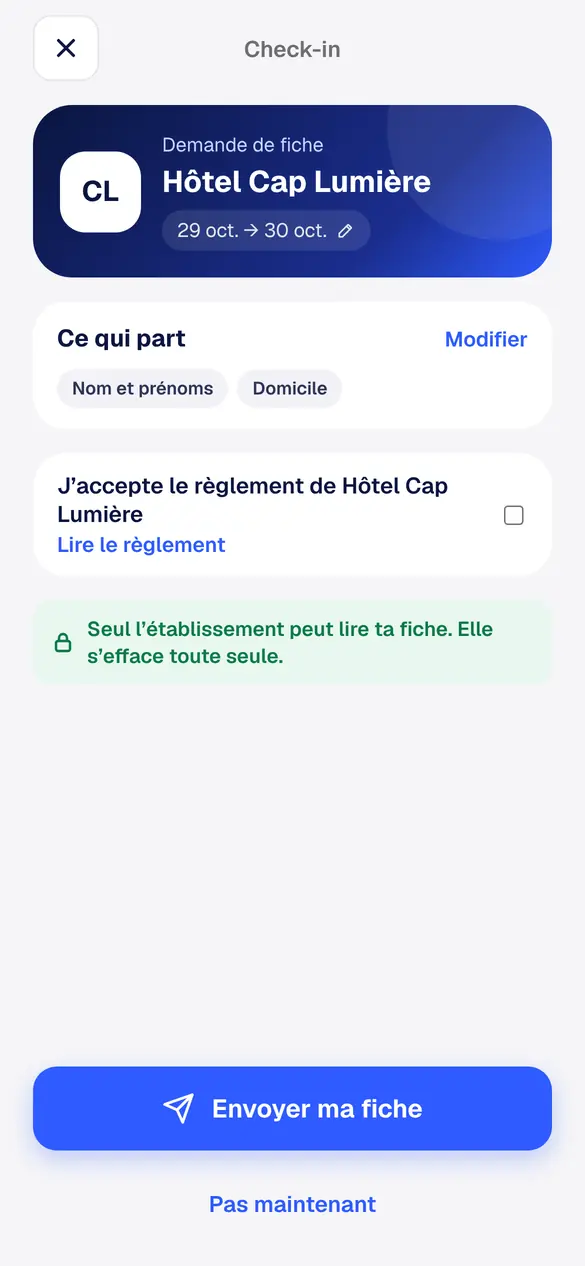
Scan the QR on display. You see who is asking, your dates, and the exact list of what is shared.
Before you leave
Your host, rental company or agency sends you a link. Your form is ready before you arrive.
They don't have Idkey?
Show your Idkey QR: it can be scanned with any phone, with nothing to install.
Your face, and off it goes.
Your face for every send
No one can send your form on your behalf, even with your phone.
Locked, for them only
Your form can be read by the business you send it to. Not by Idkey.
You track every form
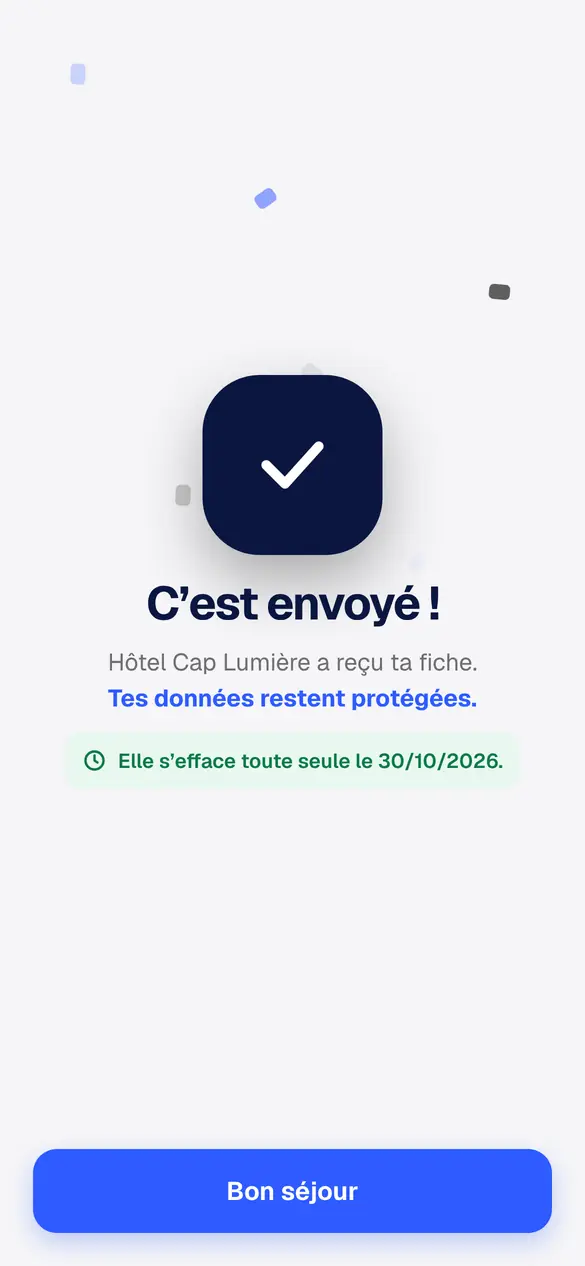
Sent, opened, deleted: you see the deletion date of every form.
One app, every situation.
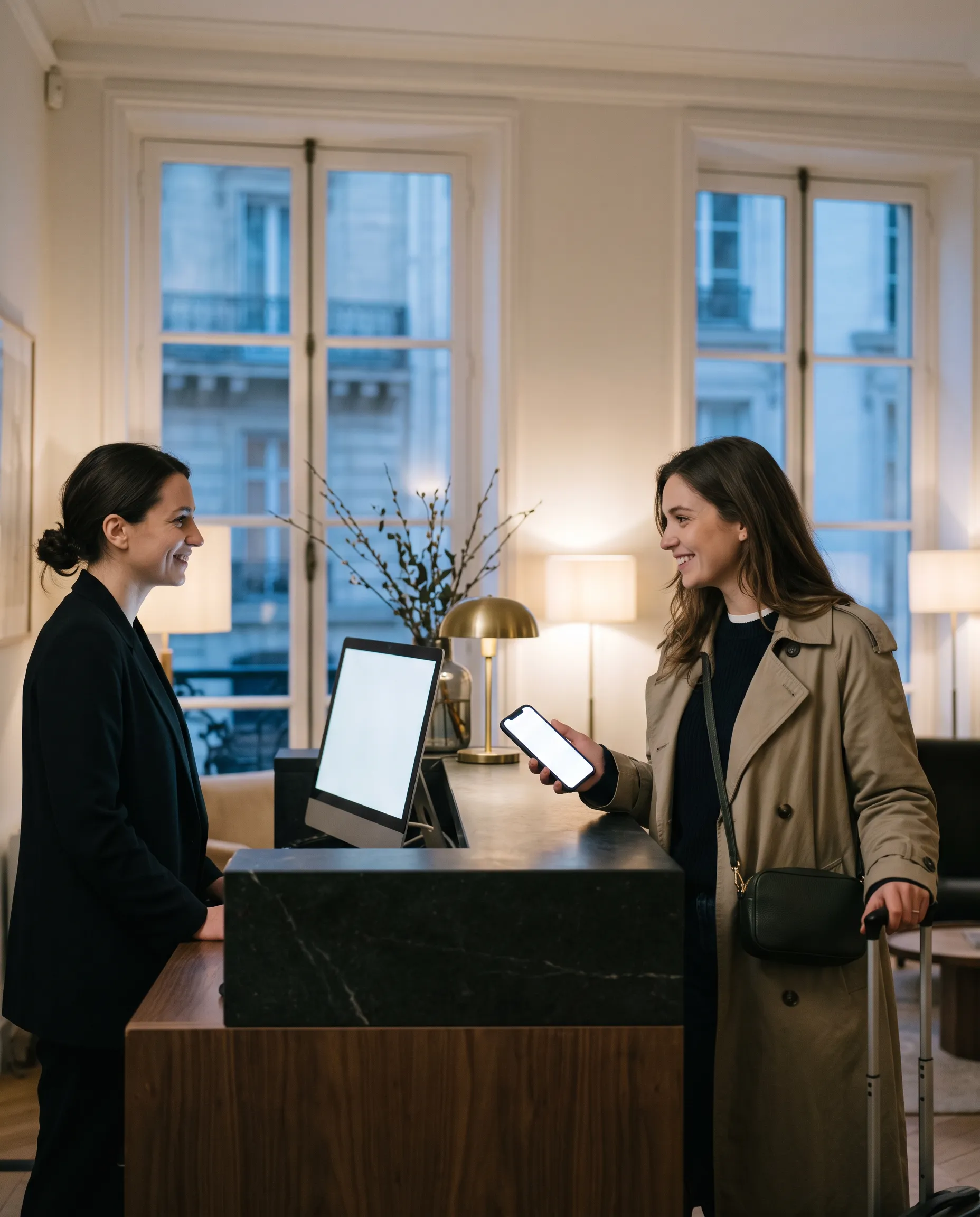
Hotel, campsite
Your form reaches reception in one tap. No more photocopies, no more paperwork.
See how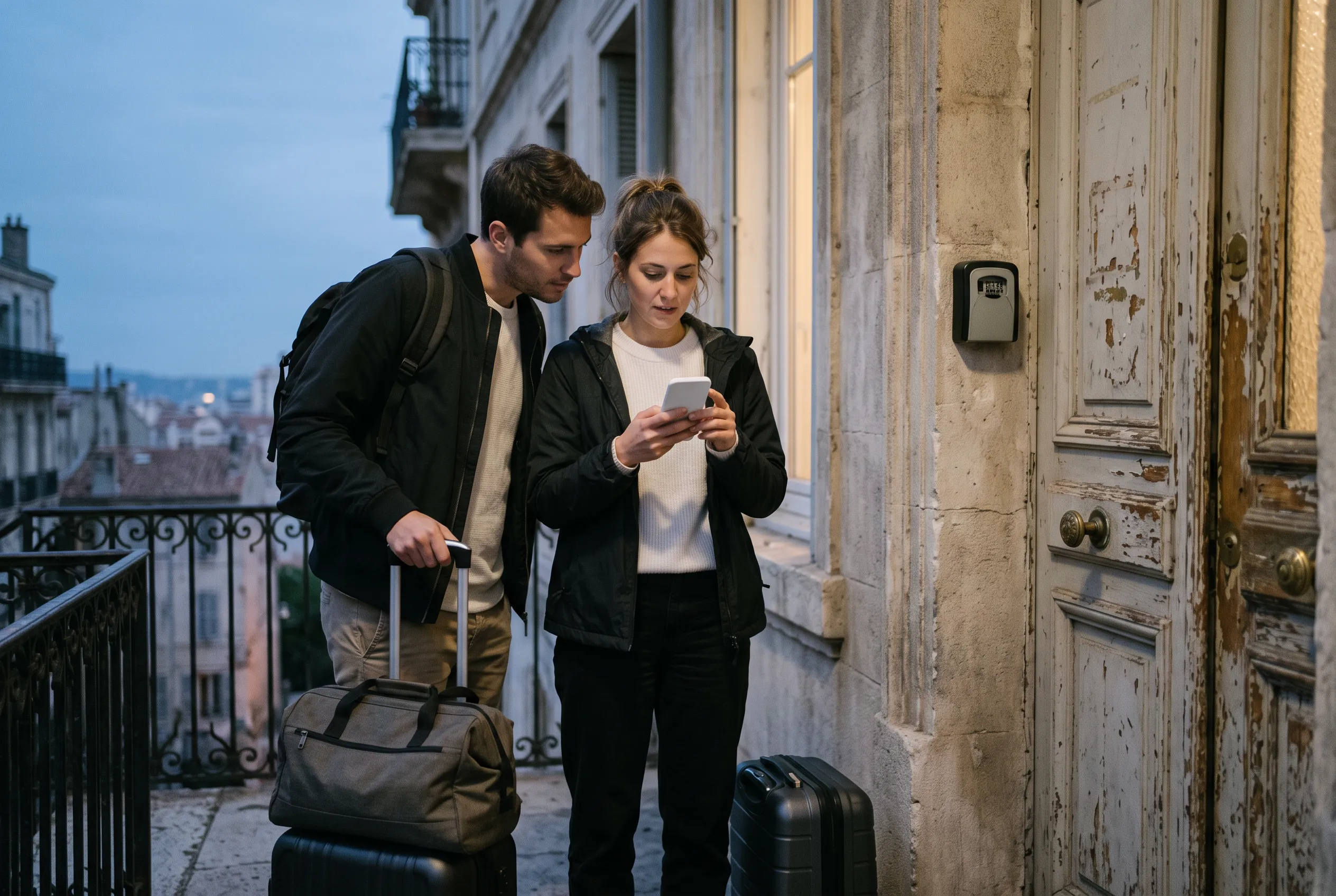
Holiday rental
Your host receives your form before you arrive. No passport photos by message.
See how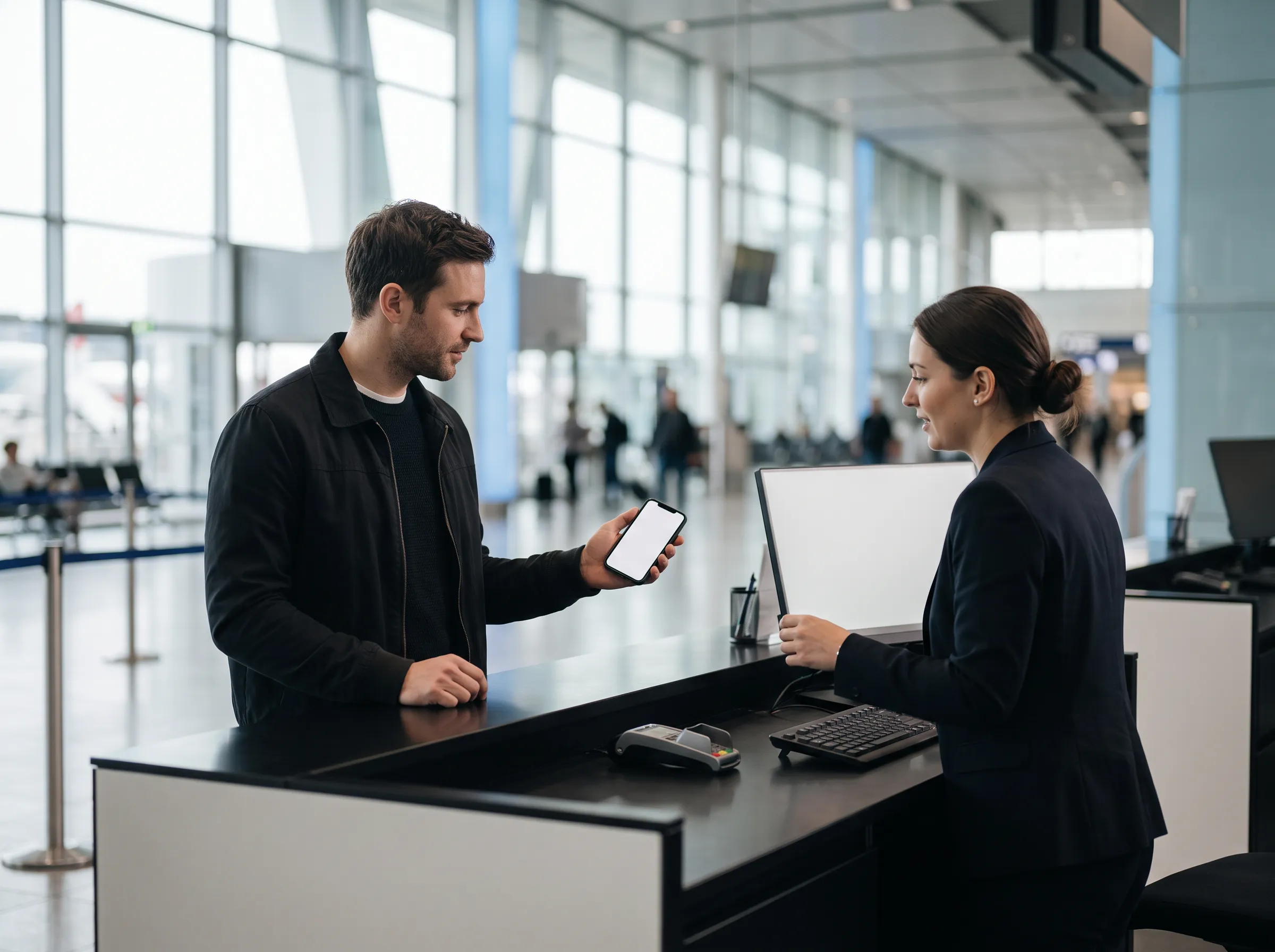
Car rental
Identity verified and licence declared before the counter. Nothing goes through the scanner.
See how
Renting a flat
Your application without scattering copies of your ID. And if a copy is required, it goes out protected.
See how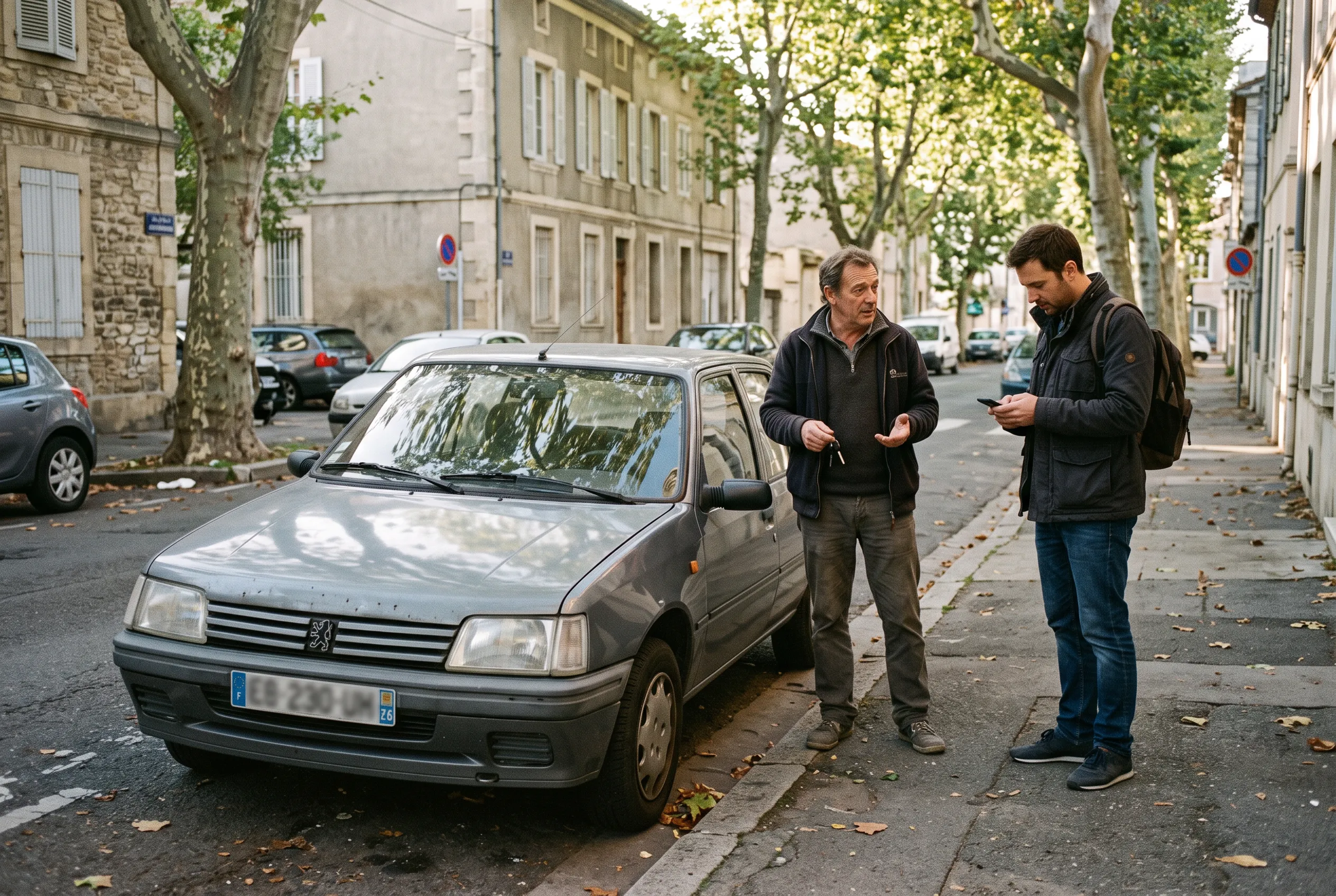
Between individuals
Car sales, flatsharing, handing over keys: everyone knows who they are dealing with.
See how
With family
Your children on your form, your partner linked. Each adult confirms their own.
See howYour ID stays in your pocket.
Idkey is free on iPhone and Android. Your ID never leaves your phone again.