
At the rental company, no more ID in the scanner.
The rental company receives your verified identity and declared licence before you arrive. At the desk, they check your real licence and hand you the keys.

Your ID ends up in an inbox.
Or photographed with the branch's phone.
In the branch's shared inboxes and folders, for years.
Forms, data entry, checks: everything is done on the spot.
The rental company's link comes with your booking confirmation.
Number, issue date, validity. Young drivers flagged automatically.
The rental company checks your real licence at a glance, without copying it.
Before you leave, then at the desk.
- 1Open the rental company's link
It comes with your confirmation. On site, you can also scan the QR code on the desk.
- 2Declare your licence
Number, issue date and expiry date. Nothing is photographed.
- 3Confirm with your face
Your identity is sent verified and locked, readable only by the rental company.
- 4Show your real licence
The rental company checks the original at the desk: Idkey doesn't replace this check, it makes it faster.
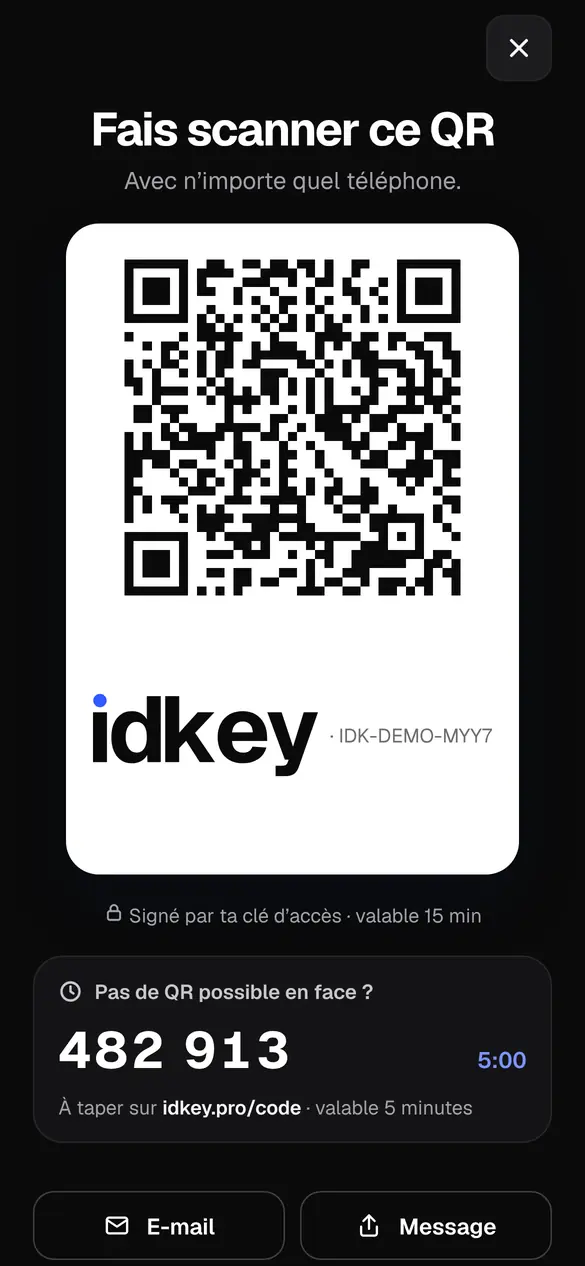
The rental company receives what it needs to check.
What they receive
- Your verified identity: surname, first names, date of birth
- Your address and contact details, if requested
- Your licence number and dates, as you declare them
- Your verification level
What they never receive
- The photo of your ID
- Your ID number
- A scan of your licence
- Your selfie
What you might be wondering.
Can the rental company keep a copy of my ID?
If they require it, you attach a protected copy with Idkey+ : an “only for” watermark naming that rental company, with the date, and the number and coded lines hidden. It can't be used for anything else.
What about fines or disputes?
The rental company keeps your verified form in a PDF protected by its code. It can find out who was driving, without keeping a copy of your ID.
My licence is less than 3 years old?
The rental company sees it straight away, from the issue date you declare. No surprises at the desk.
What if the rental company doesn't have Idkey?
Show your QR code: they scan it with any phone and receive your verified identity, with nothing to install.
Other situations.
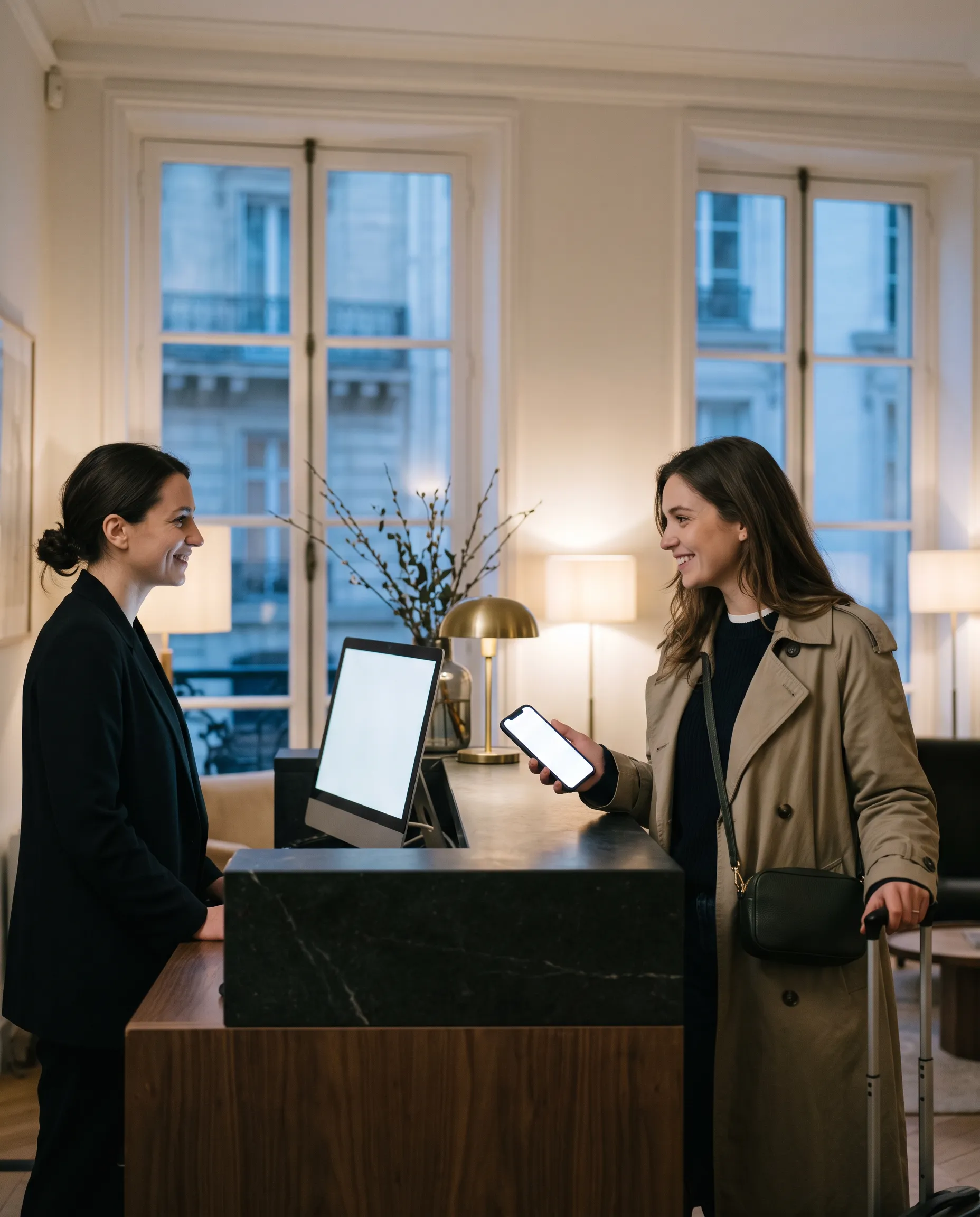
Hotel, campsite
Your form reaches reception in one tap. No more photocopies, no more paperwork.
See how
Holiday rental
Your host receives your form before you arrive. No passport photos by message.
See how
Renting a flat
Your application without scattering copies of your ID. And if a copy is required, it goes out protected.
See how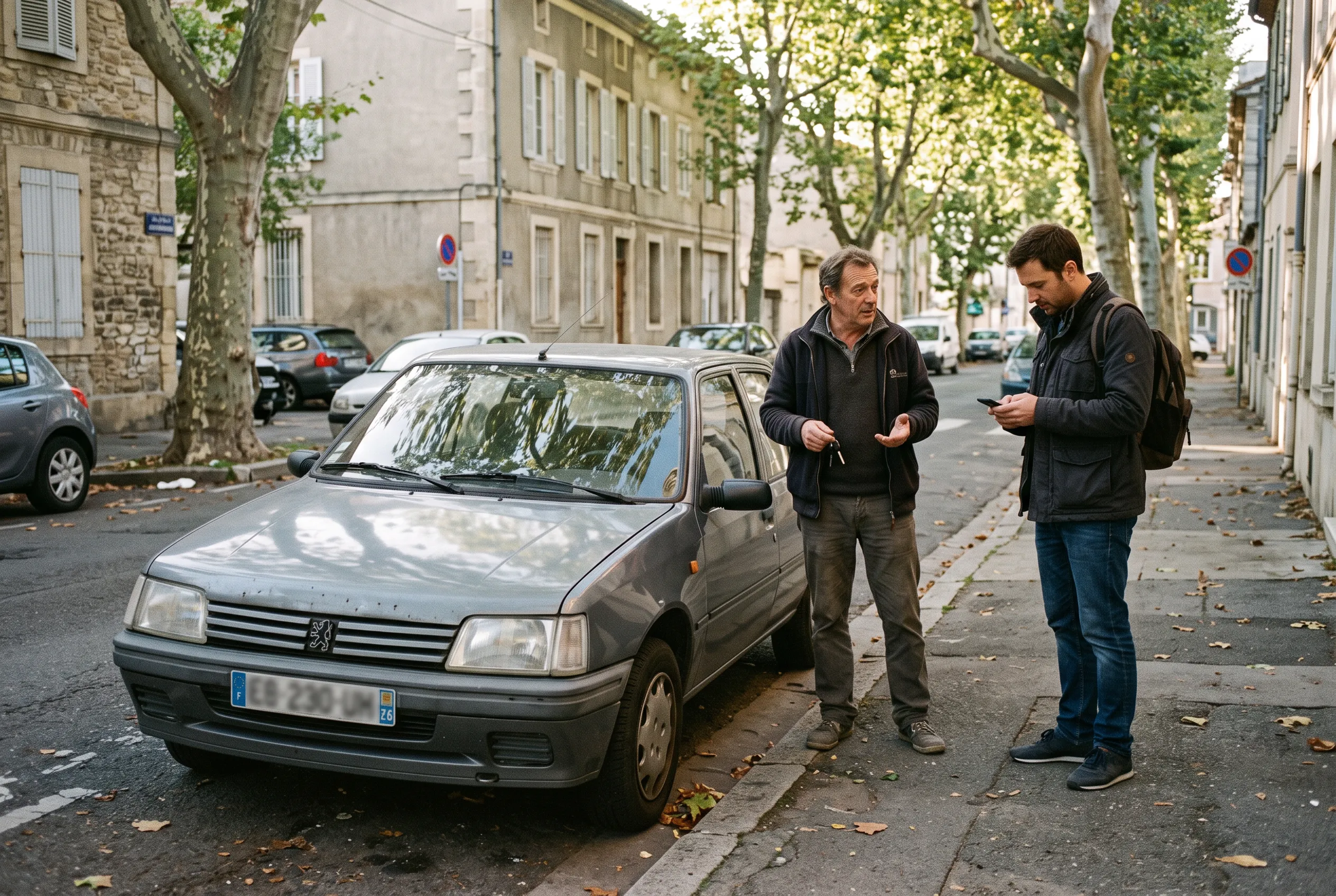
Between individuals
Car sales, flatsharing, handing over keys: everyone knows who they are dealing with.
See how
With family
Your children on your form, your partner linked. Each adult confirms their own.
See howYour ID stays in your pocket.
Idkey is free on iPhone and Android. Your ID never leaves your phone again.